Want to set up a wireless Conference Room?Try Now

Prior to the BYOD era, it was possible to have cables in the conference room without driving everyone within a 5 mile radius to the brink of insanity. In those days, most conference rooms had a shared PC connected to the TV or projector, so as long as each presenter submitted their PowerPoint file a few hours in advance, meetings could run relatively smoothly. Since the shared PC only required a VGA cord, conference room cable management was rarely an issue.

Now that everyone brings their own laptop or tablet to work, this is no longer the case. There are so many laptops currently in circulation with so many different video outputs (HDMI, VGA, DVI, HDMI to VGA, Thunderbolt, etc) that it’s impossible to predict which cables will be required during the meeting. This is why, in order to be adequately prepared for every possible contingency, it’s generally recommended that IT have at least 9 different cables or adapters on hand at all times.

But if you’re thinking of buying a small arsenal of cables for your conference room, your spending isn’t going to stop there: Conference room cable management is an expensive art to master. Here are 9 additional items you’ll need to purchase in order to make all those cables presentable.

1. Cable Management Boxes
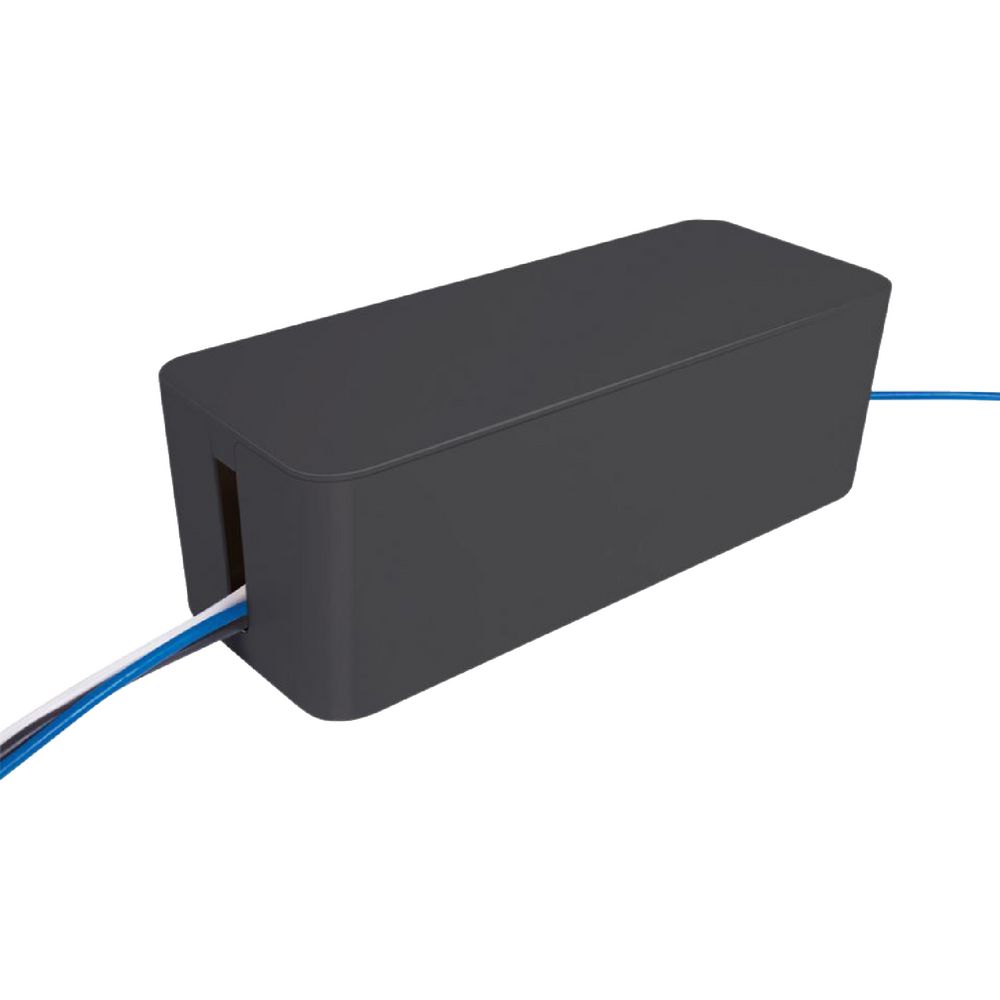
Cable Management Box

When you have nine or more cables running to each seat at the conference room table, the end result is going to look a bit like a mad scientist’s lair. One way to minimize the clutter is to buy a ton of cable management boxes and install them at each corner of the table.

Of course, having so many boxes in one room may create the impression that your company is in the process of moving. But hey, at least no one will think that you’re renting out your conference room to Doc Holliday from Back to the Future during your off hours.

2. Connectivity Boxes
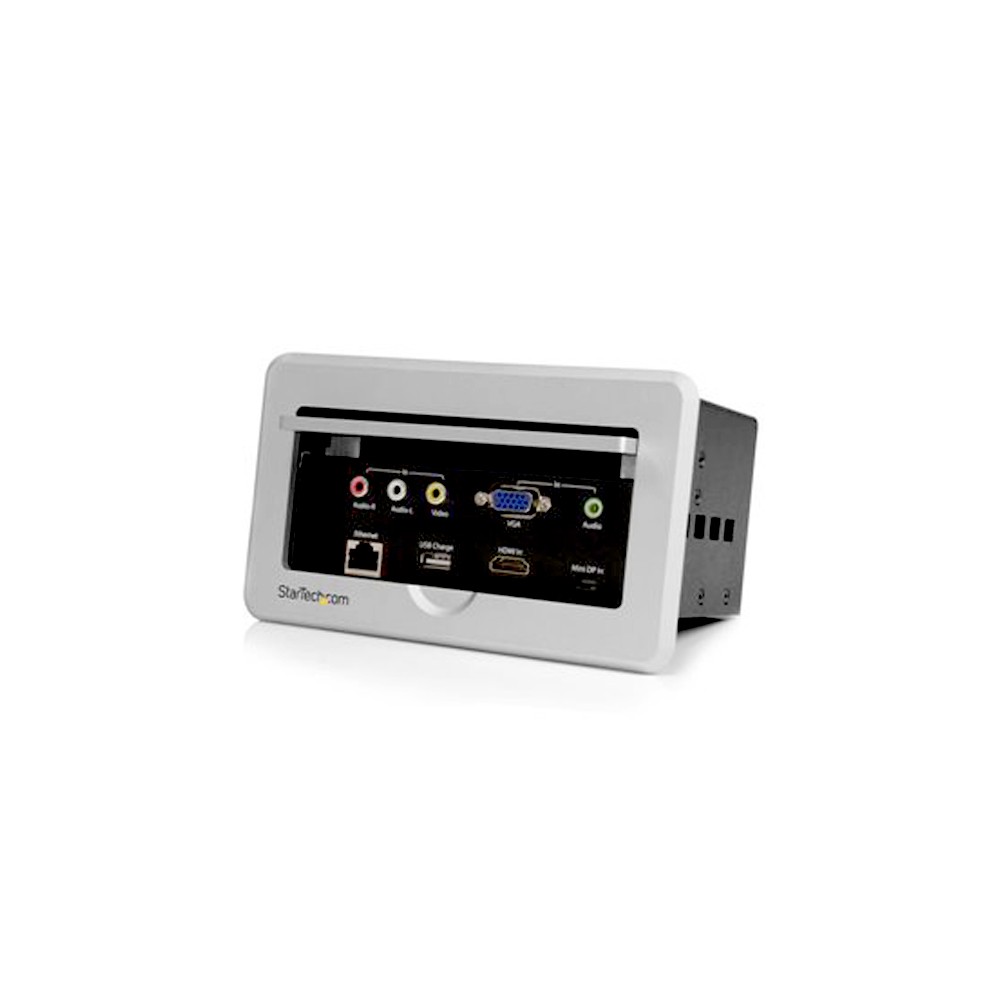
connectivity box

Unfortunately, cable management boxes only help cover up the middle portion of the cables and do absolutely nothing to make their tail ends look presentable. For that, you’ll need to put a connectivity box at every seat as well.

3. Floor Cord Protectors
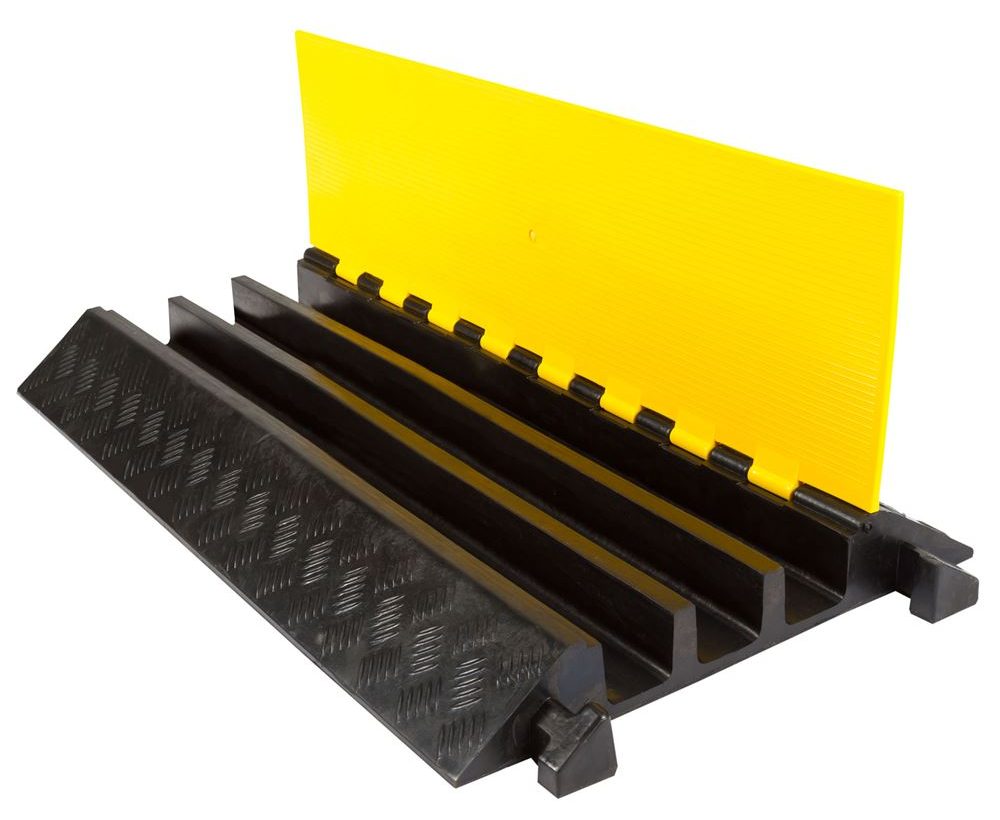
floor cord protector

One of the best ways to hide cables is to put them under the carpet. If your conference room happens to be uncarpeted, you face two issues: 1) people will roll their chairs over the cables, which will chew off the plastic, and 2) people will trip over the cables, sustain a serious injury, and sue the company out of existence.

Investing in a few floor cord protectors will help make sure that the plastic coating stays intact and that your company doesn’t spend all its revenue on legal fees and out of court settlements.

4. Accident Insurance

accident insurance

Companies that don’t invest in floor cord protectors are strongly advised to purchase accident insurance. Putting a dozen people in a room full of tripping hazards and sharp objects is unlikely to end well, and you’ll want to be prepared for the worst possible outcome. 

5. Storage Cabinet With Lock
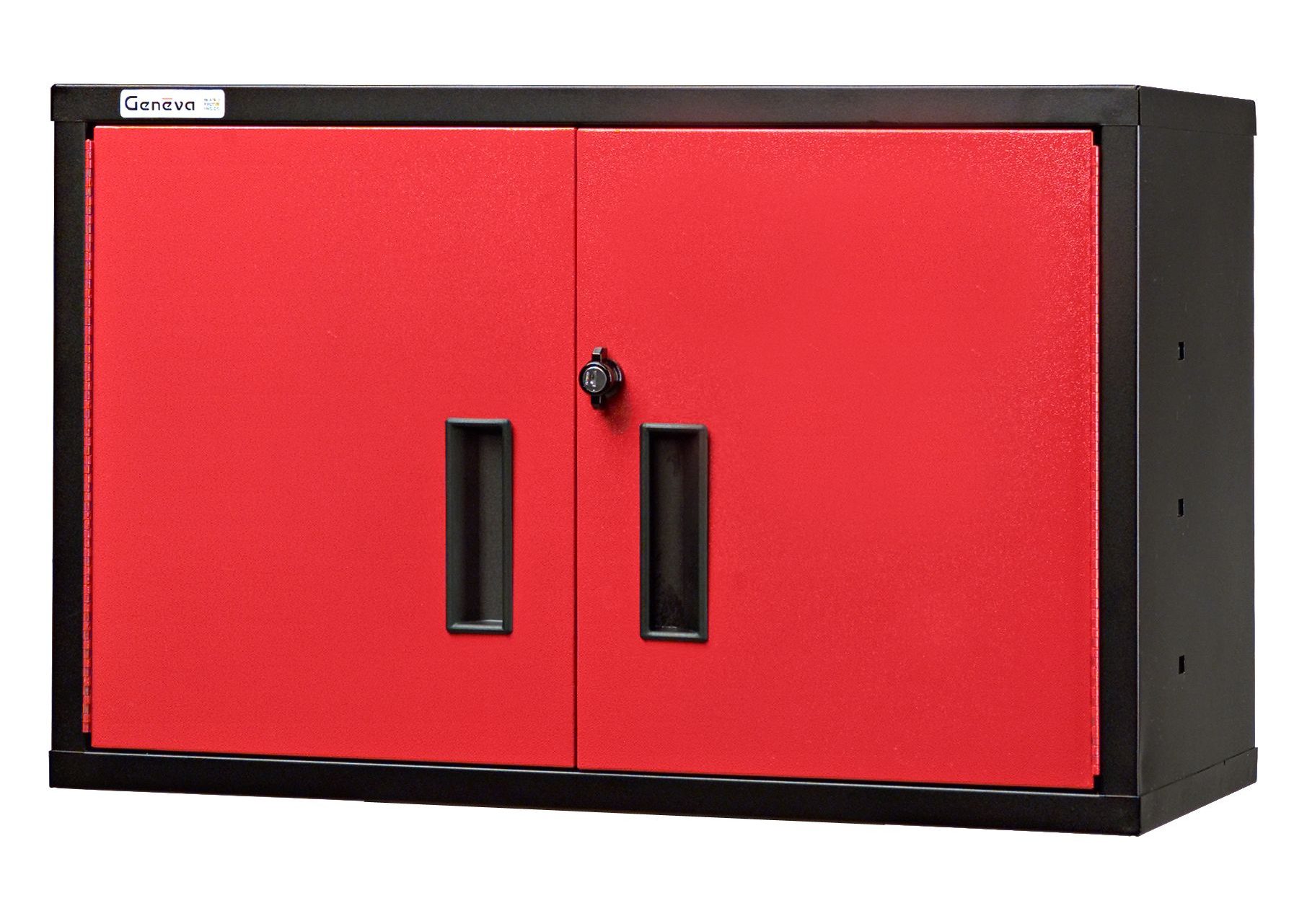
cabinet with lock

Good conference room cable management is impossible without strong security protocols in place. Cables are the conference room equivalent of hotel towels: Everyone has stolen one at least once in their lifetime, and few have qualms about stealing them again. Keeping some of your cables under lock and key is a good way to slow down the frequency of thefts.

6. Back-up Cables
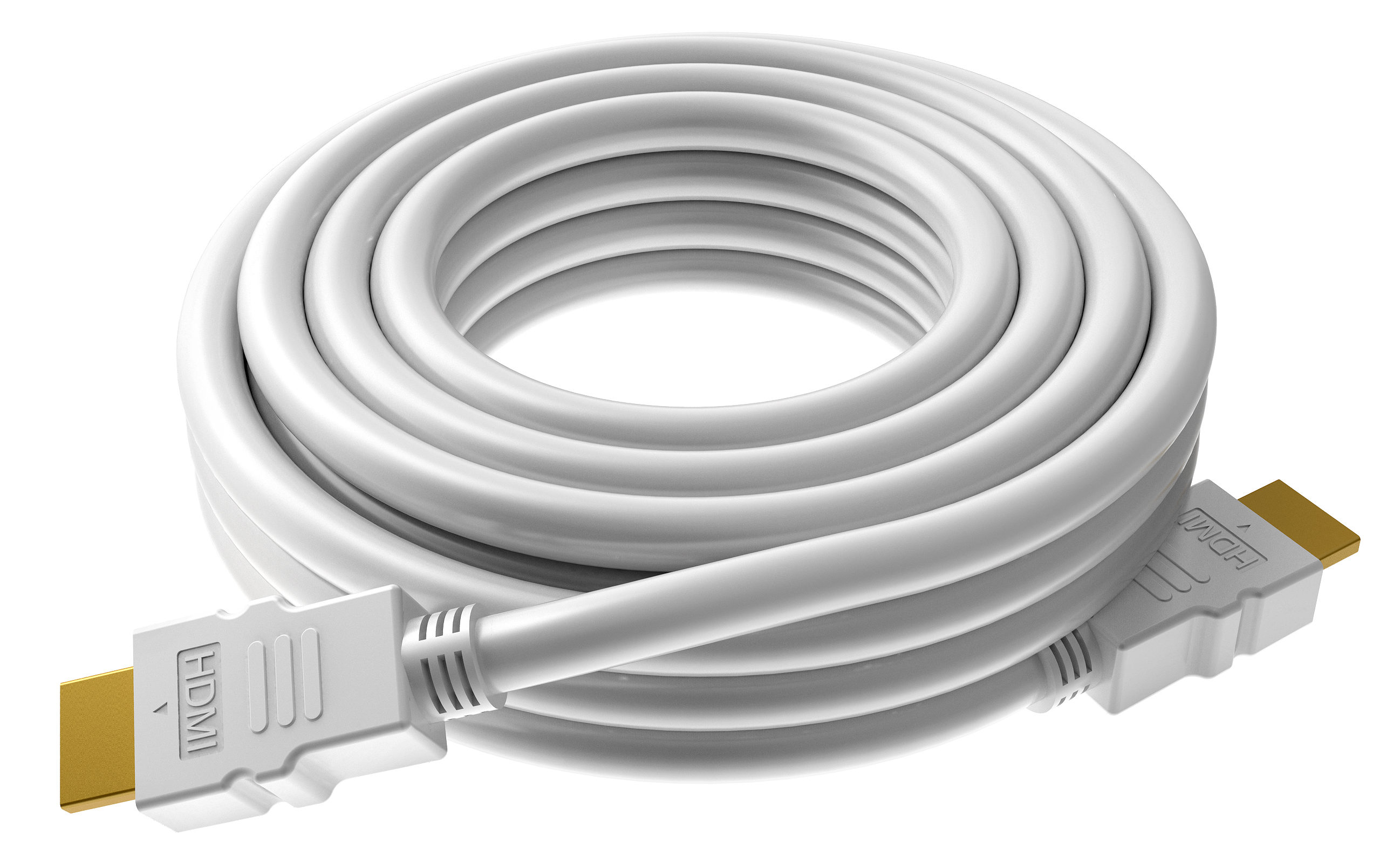
HDMI cable

No matter how closely guarded you keep your cable stash, at least a few will continue to mysteriously disappear. Having a few back-ups on hand can spare you a last minute trip to Best Buy.

7. Staple Gun
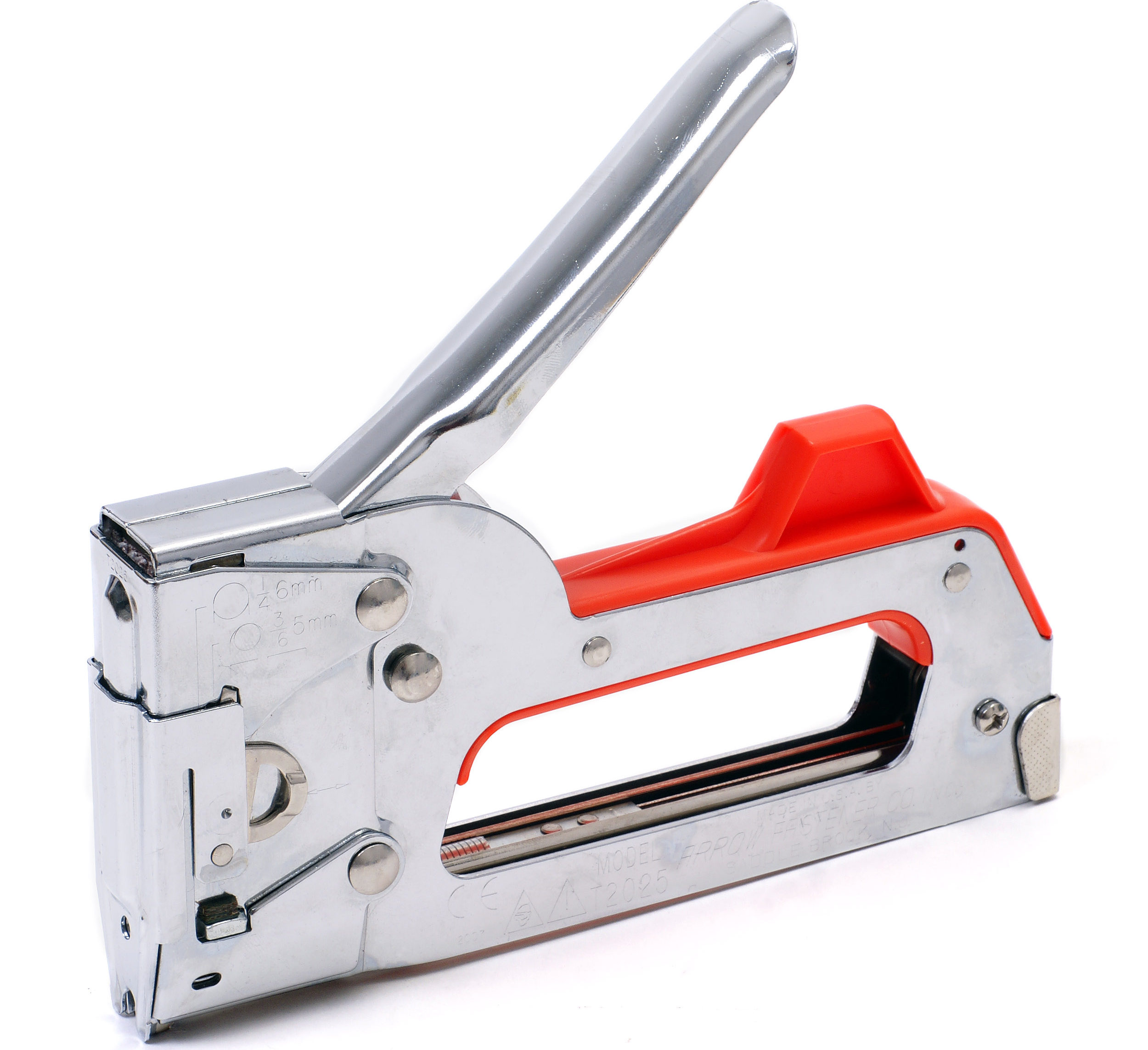
staple gun

Once you’ve figured out how to cover up all the cables that run across the floor, you face a second, more difficult problem: Covering the cables that run against the wall.

If you don’t have the money to put your cables behind the baseboards, you can always put them in front of the baseboards. By firing a staple gun at the cables every two feet, there’s a small chance you’ll end up with a room that looks semi-professional.

8. Elastics

rubber bands

Unfortunately, you may have a hard time finding staples that are wide enough to wrap around nine cables. In which case, wrapping an elastic band around the cables may be your only option. 

9. Tylenol

o-acetaminophen-facebook

Your office already has a hand sanitizer dispenser. Why not add a Tylenol dispenser as well? With all those cables, headaches will replace the flu as your company’s number #1 health concern.

If you find this extremely long list of conference room cable management paraphernalia intimidating, you may want to consider a wireless presentation system (like, say, Ubiq). It allows anyone to walk into a conference room and connect their laptop to a screen in 1 second. No cables, no hassles, no headaches.

ADDITIONAL READING
5 Must-Have AV Products For Your Conference Room
Top 10 Conference Room Projectors of 2017
AV System Integrators: Are They Really Necessary?

Want to set up a wireless Conference Room?Try Now

Earlier this week, we discussed some of the basics of choosing furniture for your conference room. Today we will take a look at another aspect of conference room renovation: decor.

If you spend all day dealing with VMWare and VLANs, it’s probably safe to say that interior design isn’t your forte. Here are a few tips to help you get started.

  • Color palette

The color of your conference room is an enormous factor in determining the mood of whoever steps inside it. A red or yellow room will give your employees a jolt of energy, a blue or green room will help them relax. The wall color can also influence how the size of the room is perceived. If your conference room is small, then it’s better to go with a light color pallet since it makes the room appear bigger than it is.

A company whose employees are jittery and suffer from claustrophobia would therefore be well-advised to paint their conference room light blue. 

  • Lighting scheme

The importance of lighting in the conference room cannot be overstated. If the lights are so bright that employees require sunglasses or so dim that they require night vision goggles, productivity will suffer. One way to avoid this is to install a control panel with multiple dimmers so that employees can make micro-adjustments to the light levels.
You may also want to consider installing wall washers and spotlights. A few well-placed wall washers can make even the dingiest, most hopeless conference room seem hip and futuristic. A special light aimed at the general area where you anticipate the speaker to stand is also a wise investment.

  • Microphone

It’s always a good idea to make sure that your conference room microphones don’t clash horribly with the table. If your table has round edges, try to find microphones that also have round edges. Few things in the business world are more comical than circular conference room tables that have sharp, angular microphones sticking out of them.

  • Whiteboard With Stand

No matter how elegant and sophisticated your conference room may look, a cheap, poorly placed dry erase board can ruin it all. If you’re going to spend money painting your walls, you may want to refrain from applying a power drill to your paint job just so you have a place to hang your $5 whiteboard.
Instead of drilling holes into your freshly painted walls, why not just buy a whiteboard with a stand? It looked cool on the TV show House, and there’s no reason to believe it won’t look cool in your conference room.

Want to set up a wireless Conference Room?Try Now

For IT managers, renovating conference rooms can be a mixed bag. On the one hand, few things in life are more satisfying than throwing out old AV equipment and replacing it with state of the art technology. On the other hand, IT managers are not interior designers, know nothing about conference room furniture, and are as out of place in an office furniture store as a sales rep in a server room.

So for all those IT managers out there who are installing high-end projectors, cameras, and speaker systems in their conference rooms and are thinking about adding some new furniture to go along with all that new technology, here are a few things you need to know.

The Size

The first thing you need to do is take measurements of the room. Knowing how big or small your conference room is will help you select the proper size of furniture to place in it. The two biggest mistakes you can make are cramming a tiny room with gigantic conference room furniture and sparsely furnishing a huge conference hall with a few tiny chairs. You need to utilize all available space in the best way possible.

The Conference Room Table

The first piece of conference room furniture you should purchase is the table. Once you have the conference room table in place, the task of picking the chairs, furniture, and appliances (such as a coffee machine, a display board, bookcases, shelves or a water dispenser, etc) becomes easier. When buying the table, think about the shape and the size of the room and the table which would be best suited in the room. You can select an oval, rectangle, and even a U-shaped conference table.

The Conference Room Chairs

The number of chairs that you can fit in the meeting room depends on the size of the conference table. One good way to determine the number of chairs you can have is by knowing that the table’s width in feet is the number of chairs that can be placed comfortably. This means that an 8-foot-wide table will seat eight individuals.

Another way to accommodate more people is to line some chairs against the back wall. This will be helpful during larger meetings where not everyone can be seated at the table due to space constraints.

The Spacing

There should be at least a space of 48 inches between the wall and the table. However, if you want a more comfortable space then you should increase the space to 56 inches.

If you want people to walk sideways between the wall and the chair, keep a space of 16 inches. However, if you don’t want the employees and the visitors to walk sideways then leave a space of 24 inches.

Per chair, allow 30 inches of space on each side. For rising from a chair, keep a space of 32 to 34 inches between the back of the chair and the table.

The ideal space between the visual display board and the table should be 56 inches and there should be at least a bending space of 36 inches for when you want to use the lower shelves of a bookcase.

ADDITIONAL READING
The Right Office Furniture Can Help You Work Smarter
The Difference the Right Office Furniture Can Make
10 Conference Room Design Mistakes

Want to set up a wireless Conference Room?Try Now

Your conference room name can make all the difference in the world. Case in point: Would you rather spend 2 hours in a conference room called “Conference Room #7,” “Meeting Room B,” or “Cash & Ice Cream Giveaway Centre”?
The answer should be obvious, and yet many companies persist in simply naming their conference rooms after numbers and letters. This is a huge missed opportunity for companies to show off their personality and culture. Companies that continue to go this route may as well just name their conference rooms “Taxes & Spinach Zone” or “Intermittent Wi-Fi Area.”
A creative conference room name will make meetings more fun for clients and employees and bring some positivity to the workplace. Here are some great ways to help you get started.

Go With A Theme

One of the best ways to show the personality of any company is to create conference room names based on a theme. If your biggest and most important client sells a product for the beach, you can use that as your inspiration. Choose conference room names based on famous beaches, such as Daytona Beach, Glass Beach, or Bora Bora. Likewise, if they sell cars, get names from the types of vehicles on their lot. These can be names that include Ferarri, Mercedes, Buick, and Chrysler. Or use car models like Malibu, Bolt, and PT Crusier.

Get Inspired By Social Media

Social media is a huge space where people from all over the world can come together and chat. Let this be the inspiration for naming a conference room. Make it fun and use hashtags and other social media driven trends. These conference room names can be #coffeebreak, #Resultsdriven, or #Workinghard. Everything looks better with a hashtag in front of it, even annoying words like #moist, #synergy, and #methinks.

Choose A Name By Location

Many large companies have offices in multiple countries. These businesses can capitalize on this by naming their conference rooms after their locations. The New York team, for instance, can use famous landmarks around town, such as Carnegie Hall, The Brooklyn Bridge, or The Empire State Building. Or they can use the names of other, cooler-sounding cities such as Madrid, Sao Paulo, Reykjavík, Hydrabad, and Tel Aviv. (If the real world is too ordinary for you, there are plenty of fictitious cities with cool-sounding names to pick from, such as The Citadel, New Vegas, Cloud City, Los Angeles 2019, and Neo Tokyo).

Make It a Team Effort

Make naming your conference room a group activity by giving everyone in the office a voice. Allow your employees to get inspired and nominate a conference room name. The whole company can then vote on their favorites. This gets everyone involved and makes conference room renovation fun for the whole organization.

The Company Culture

Most companies have inside jokes or references. If your company falls into this category, then you’re one step closer to having the perfect conference room name. Does everyone in the office love movies and talk about them constantly? Use this as your starting point. Select a title from a certain genre, such as The Big Lebowski, The Money Pit, or Anchorman. If Chuck Norris is a favorite amongst the crowd, choose titles starring this actor, such as Delta Force, Delta Force 2: The Colombian Connection, and Top Dog.

Choosing the right conference room names can be a great experience and can boost office moral. Make sure to put some time and effort into choosing cool new names for company meetings.

Additional Reading
Top 10 Conference Room Cable Management Fails of 2016
5 Must-Have AV Products For Your Conference Room
4 Ways to Simplify Your Conference Room Equipment

Want to set up a wireless Conference Room?Try Now

With hackers constantly trying to infect your system with ransomware, corporate spies salivating at every opportunity to access your e-mails, and un-tech savvy employees doing everything they can to compromise security, being an IT manager can feel a bit like being a Secretary of Defence during wartime.
Luckily, Ubiq is here to help. Our wireless presentation system provides a simple, seamless user experience without skimping on security. Unlike certain other wireless presentation solutions which will go unmentioned, Ubiq allows internal users to stream over the corporate network and guest users to stream over the guest network. All media streams and messages sent between the Ubiq Hive and the user’s device are securely encrypted through standardized encryption protocols, which provides an additional layer of security.
For both internal and guest users, conference screen sharing only takes one click of the button. The two videos below explain how it’s done.

Want to set up a wireless Conference Room?Try Now

When a TV is turned off, it’s basically just a big slab of glass and plastic that doesn’t serve any function other than to take up space. In the consumer world, this isn’t much of a problem: In the era of Netflix binge-watching and 3-day-long Game of Thrones marathons, very few people complain that their TV just sits on the wall unused. In the business world, the situation is a bit different. When business presentations aren’t in session, most conference room TVs remain powered off.
Given how expensive TVs can be (especially if your company has shelled out for a fancy 4K model), this seems like a bit of a waste.
Luckily, the Ubiq wireless presentation solution is also a digital signage solution. By logging into the Ubiq dashboard, you can send videos, photos, and weblinks to all of your conference room TVs. Rather than force your employees to look at a black screen every time they walk by the conference room, why not keep them motivated by showing them infographics regarding incentives, business wins, or new product information?
The below video explains everything you need to know about Ubiq’s digital signage in just 50 seconds.

Want to set up a wireless Conference Room?Try Now

The first colour laptop, the Commodore SX-64, hit the market in 1984. It came with two video ports: an S-video port and composite video port. The device didn’t have batteries, weighed 23 pounds, and used a floppy drive that was bigger than the monitor (5 1/2 inches vs. 5 inches).
The laptop has come a long way since 1984, and so too have the ports that they come with. Over the course of just the last 8 years, laptops with one or more of the following ports have been in widespread use: VGA, DVI, USB, miniport, HDMI, Thunderbolt.
Prior to 2012, the multiplicity of video ports did not have a significant impact on the efficiency of business meetings. Most conference rooms had a shared PC connected to the TV or projector, so as long as everyone’s PowerPoint project was transferred to the shared PC prior to the meeting, presentations could go forward without too much difficulty.
In today’s BYOD era, this is no longer the case. If the shared PC hasn’t already gone extinct, it’s certainly high up on the endangered species list. Nowadays everyone brings their own laptops, and hooking up all those different laptops with all those different ports to a TV or projector can be a bit of a nightmare.
Luckily, 99.99% of today’s laptops come with WiFi capability, and connecting laptops to a TV or projector through WiFi is a lot cheaper and more time-efficient than hiring an AV company to drill thousands of dollars worth of wires, adapters, and cable management boxes through your walls and conference room tables.
In the three videos below, an unfortunate IT manager learns this conference room AV lesson the hard way…


Want to set up a wireless Conference Room?Try Now

Apart from the obvious advantages that a wireless presentation system has over a conference room that’s been crammed full of cables and cable management boxes, there are a few not-so-obvious advantages as well.
For instance, it would require a very active and fertile imagination to use a cable or cable management box as an online collaboration/productivity tool.
With the Ubiq Hive, it’s a bit easier. All you have to do is log onto the Ubiq Dashboard at https://dashboard.goubiq.com and enter your credentials. From there, you can monitor all of your conference rooms, send notifications and digital signage to all of your displays, and analyze the usage logs.
Check out the two videos below for a step by step walkthrough.


Simplify your conference room AV setup today by requesting a free Ubiq demo.

From the CIO

Martha Heller, author of Be the Business: CIOs in the New Era of IT, says that IT must be viewed alongside accounting and human resources as a foundation of the enterprise.
How much longer will cloud and on-premise installations continue to coexist? Oracle’s Larry Ellison predicts one decade.
Clint Boulton of CIO.com recounts how Oshkosh Corp, a maker of military vehicles and fire trucks, used ServiceNow to unify its 15 different organizations.

Technology News

With Salesforce and Oracle announcing A.I. features two days apart, 2016 will be remembered as the year that A.I. came into its own for mainstream businesses, writes Quentin Hardy of the New York Times.
U.S. vice president Joe Biden says that better data and computing could be the key to curing cancer.
When they were first introduced in 1999, SD cards could only hold a few megabytes. Yesterday SanDisk unveiled an SD card that holds 1TB.